
Self Hosting Gitlab
A practical how-to self host Gitlab

Hello everyone and happy new year!
Introduction
I’ve been running GitLab as my software forge for the last three weeks and everything was smooth. I replaced my Forgejo instance with it because it has a better UI and UX. Gitlab is more resource consuming than Forgejo and my 5$/month VPS turned into 17$/month in order to host and use it without lag.
Well, 204$ a year is a bit too much in my opinion just to host the software forge, so I decided to buy a MiniPC and host it myself instead, and with the help of Cloudflare I can safely expose it to the internet using tunnels.
The idea behind tunnels is that you run a cloudflare agent on the PC and you won’t need to expose ports to the outside. All traffic is received through the tunnel directly, and since I host my DNS with Cloudflare this solution works well.
My power bill is also low, much lower than my 5$/month initial VPS. I have a smart plug which tracks energy usage, and I’m using a power cord that powers: Gitlab MiniPC, Old Gaming PC that I use as a gitlab runner, a network switch and overall I’m averaging about 1KW a day.
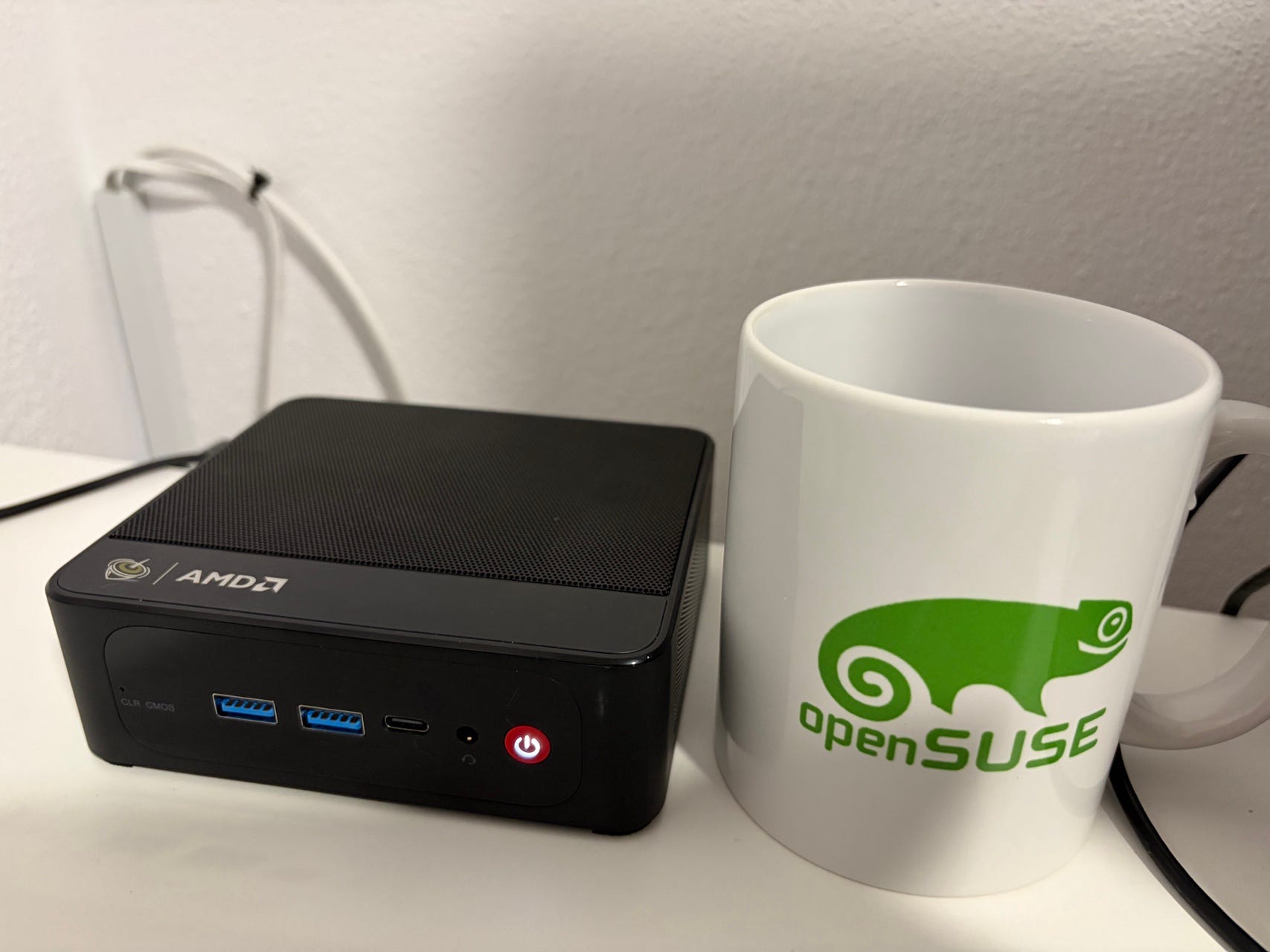
This article’s focus is a how to host Gitlab and perform basic operations for maintenance.
You can read the article on my blog:
https://nuculabs.dev/posts/2026/self-hosting-gitlab/